Visuals have become digital marketers’ main tool for driving engagement and increasing conversion rates in their campaigns.
GIFs, memes, infographics, videos, images, presentations and more all fall into this category, which is built on relevant content presented in a fresh, digestible way that keeps users hooked.
Social networks like Instagram, TikTok and YouTube have made this kind of content popular and positioned it as the most effective solution for brands looking to build an online presence.
If you want your marketing and social media strategy to succeed, you absolutely need to add images and other audiovisual elements. It sounds hard, but it’s actually easier than you think today, thanks to apps that give you everything you need to create eye-catching images and videos.
Here are some of the best options, and best of all, they’re mobile, so you can touch up your images, videos and photos from anywhere:
– VSCO.
One of the most popular apps (if not the most popular), not only because of how many people use it to edit their images, but also because its interface is so easy to use.
VSCO is available for both Android and iOS and has free plans with basic features like adjusting contrast and brightness and adding preset effects. The paid version gives you countless more tools for editing videos, like film emulation and camera controls.
The best thing about VSCO is that it also works as a social network for sharing visual content, and you can find inspiration from others in its community.
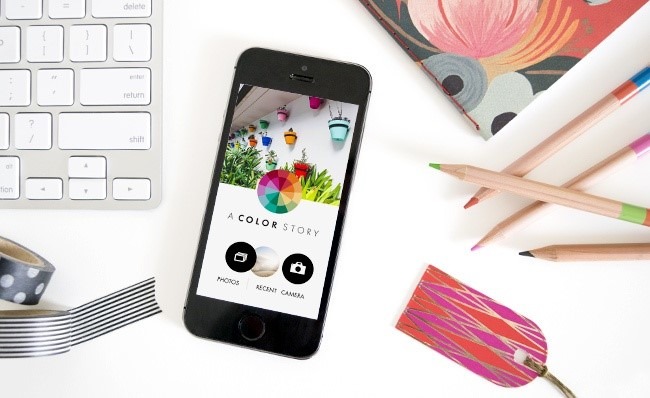
– A Color Story.
Not only did Apple name it one of the 10 best photo editing apps in the App Store, A Color Story is also one of the simplest tools to use.
The app comes in two versions. With the free one, you can add text and elements to each image. The paid version gives you all kinds of options to make your images’ colors pop, plus other features that will help you produce Instagram-worthy content.
A Color Story is exactly that: a story full of color that brings out the most striking elements of any image or photo.
– Afterlight 2.
This app is the sequel to the now-discontinued Afterlight, and it offers several features the original didn’t.
For starters, Afterlight 2 is only available for iOS, in a paid version that gives users new content and extra tools every month.
If you want every image you post to look professional, Afterlight 2 is for you. It gives you access to advanced tools like curves, tone and hue, along with a huge collection of filters and the ability to blend 2 or more images into striking combinations.
Other features for adding text and artwork are also available.
– Photoshop Express.
Photoshop is one of the most widely used image editors among graphic designers, marketers, photographers, content creators, communicators and many other professionals.
And now with Photoshop Express, you can have all of its features (or most of them) on your Android or iOS smartphone.
Some of the most interesting features of this Express version are its color adjustments, where the app adjusts each level according to its design standards.
Just like Photoshop, this app also removes spots and other imperfections from photos, so you can touch up your images from your iPad, tablet or smartphone whenever you want, for free.
– Lightroom.
Another app that, like Photoshop, was developed by Adobe. It’s the mobile version of another popular desktop editing program.
Lightroom isn’t basic at all, and as with Photoshop, users need some photo editing knowledge. Even the mobile version is complex, but it’s also a perfect portable design tool for professionals.
Curves and tones are two of Lightroom’s most advanced and specific features. It’s available for free on iOS and Android, with the option to pay for extra features in the app.

– Darkroom.
Unfortunately, Darkroom is only available for iOS.
But if you have an iPhone, this app is ideal for bringing your dull images to life right before your eyes.
The iPhone already has one of the best smartphone cameras, but with Darkroom you can take your photos to unimaginable levels of quality.
First, Darkroom discards any blurry or out-of-focus images. It’s best to open the app and take your photos from there. Then, thanks to its easy, intuitive controls and interface, you can get the best shots, especially in dark places or at night.
Darkroom is free to download, and you can buy a plan within the app.
– PicLab.
Last but not least, there’s PicLab.
What can we say about this mobile editor?
Available for Android and iOS, PicLab has been downloaded more than 50 million times since launch. Its rating in both stores (Apple and Google) is quite good, and everyone has something to say about its many features for transforming images.
This tool lets you edit typography, add and create stickers, add glow and lighting effects and adjust contrast. It also offers filters and templates for social media posts, making it easy to share your images straight from the app.
PicLab is free and offers other paid settings within the app.
As you can see, there’s a wide range of photo editing tools available. Some are more complex than others, but they all help you create and improve your visual content and maximize the effectiveness of your social media strategy.