A podcast is like having your own radio show, without needing to go to a recording studio.
This kind of content never goes out of style, but right now it’s incredibly popular. The reason is obvious: we can listen anywhere, anytime, whether it’s live or not.
Plus, not everyone likes reading blog posts or interviews. A podcast is another way to consume that same content in audio, which works for auditory learners or people who can’t stop to read and prefer to listen while doing something else.
One clear difference between a podcast and a radio show is that the quality of a radio show depends on professional production, while a podcast can be recorded anywhere and still sound just as crisp.
Today there are several mobile apps that let you record a podcast with quality sound using just your phone. Here are some of them:
Anchor.
Anchor is a great recording tool, and it’s easy to use.
To use it, just download the app from the App Store or Google Play. Once you sign up and open the app, tap the red button on the main screen, or simply hold your phone to your ear and it’ll start recording right away.
This tool has lots of editing options: you can add more interviews and audio clips, and even add music from iTunes or Spotify.
Once you’ve recorded your audio, you’ll upload it from your phone to your Anchor station, where people can listen to you.
On the promotion side, Anchor is one of the most interactive apps. Once you create your station, users can like it, react with applause, take part live (if the podcast is streaming at the time) or download it.
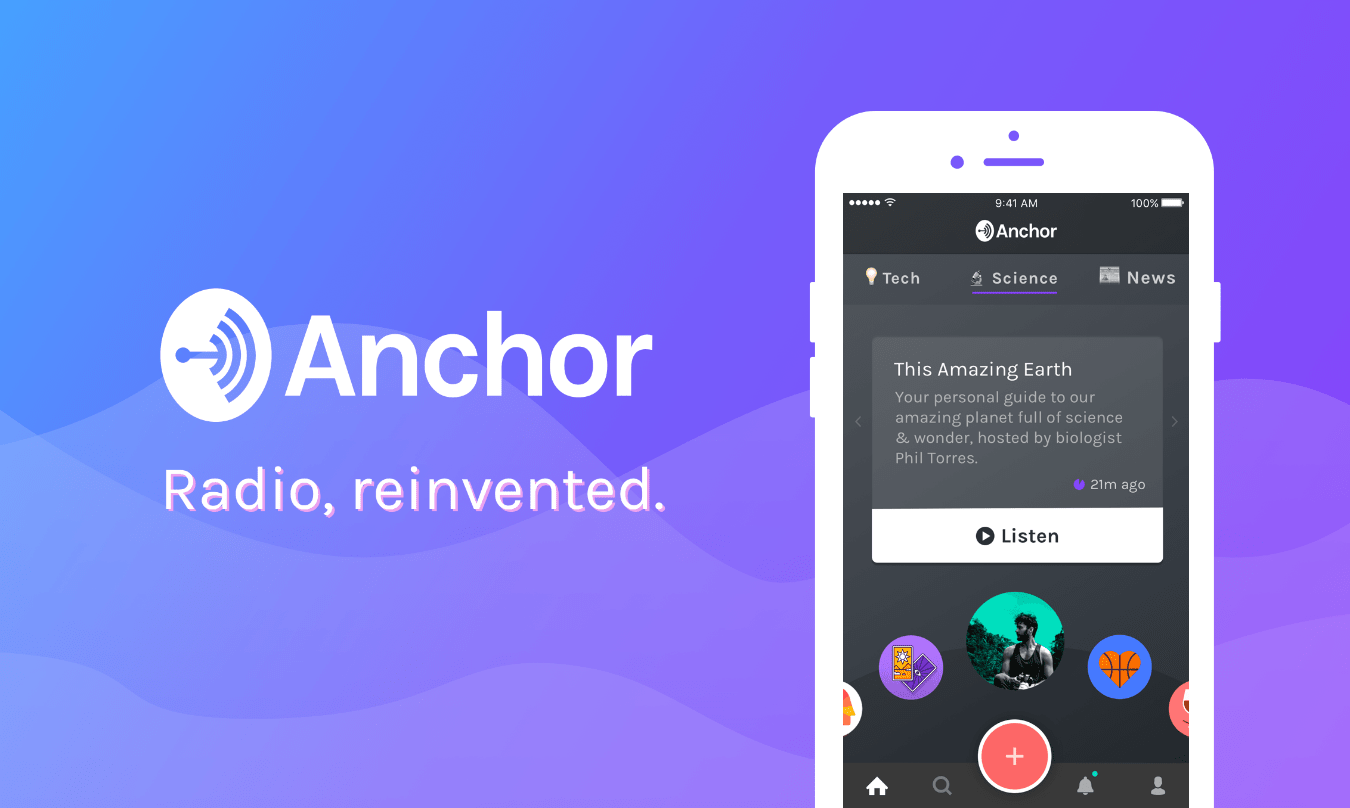
Image from Applelianos
Podbean.
Besides the mobile app, this tool also offers hosting.
Podbean is a very straightforward app. Once you download it and sign up, you can access your podcast library and manage your settings. You’ll find the button to start recording on your profile’s main screen.
Several editing options are available, letting you trim, add music from inside the app and more.
One downside of Podbean: it isn’t free, and you need to sign up to even access the record button. The basic plan starts at $3 a month, and there are pricier plans with more features.
Another important point about Podbean is that you don’t have to use its hosting. You can record your podcast and add the domain of your choice in the settings.
SoundCloud.
SoundCloud is ideal if you want a tool that offers free recording and storage.
This app gives you access to songs, trailers, audiobooks, podcasts and every kind of audio content you can imagine, and of course there’s a record button in the main menu.
Your editing options vary: you can trim, add sound and clips, and add effects at the beginning and end of your recording.
To promote your podcast on social media, just sync the app with all your profiles, and when you publish, it’ll automatically be announced on your networks.
Audioboom.
The biggest advantage of Audioboom is that it distributes your podcast directly through iTunes, one of the platforms where this kind of content is consumed most.
You can also publish your podcast on iHeartRadio, Google Play, Spotify, Stitcher, Deezer, TuneIn and Castbox.
With no hosting required, Audioboom lets you record 5 episodes a month for $10 a month. Once you record your podcast with the app, you can add images, descriptions and titles, and sort it by category.
Spreaker Studio.
We saved the best for last. Even though we started this list with a pretty good app like Anchor, Spreaker Studio takes podcast creation to another level.
Spreaker Studio gives you an impressive range of options for recording audio with professional sound. You can create your own radio show and broadcast your episodes live. You can also record tracks and stream them later.
On the editing side, Spreaker Studio lets you:
- Add sound effects.
- Add tracks.
- Mix music and voice.
Once you’ve recorded your podcast, you can publish it from the same app or from your website, as well as on Twitter or Facebook.
Five powerful options that let you record your podcast from anywhere without sacrificing sound quality.