Instagram is one of the fastest-growing social networks, with more than 400 million monthly active users.
It’s become some companies’ preferred channel for e-commerce, since they can reach their audience more easily than on other networks like Facebook or Pinterest.
Plus, new features are tested and new tools launched every day to help you boost your content’s reach and turn it into a lead-generating machine.
If you’re a brand looking to boost sales on this social network, this article walks you through the five main platform features that will help you do it:
1. Instagram Shop
Instagram Shop lets businesses build a shopping experience into their Instagram account, giving customers a whole new way to buy your products.
Every business knows the value of reaching new customers through its marketing strategy. And with 80% of users having bought something they saw on Instagram, it’s no surprise more and more businesses are opening accounts dedicated to selling products.
An Instagram shop can make buying quick and easy for your customers, and it saves you time because you don’t have to manage every order manually.
To set up your shop, you need to:
1. Check that you’re eligible for a shop: you need a domain you’ll sell from, and you must be in markets and sell products allowed by the platform.
2. Switch to a business or creator account.
3. Connect your Instagram account to a Facebook page: go to “Edit profile,” then “Public business information,” and under “Page,” select the one you want to link. If you don’t have one, create it by clicking “Create new Facebook Page.”
4. Upload your product catalog: you need one to set up your Instagram shop. You can do this with Catalog Manager in Business Manager or by connecting your online store (Shopify, for example) to Facebook.
5. Request an account review: under “Settings,” follow the steps to request a review of your shop, which usually takes 1 day. It can take longer if Facebook needs another document to verify your identity or domain.
Once your account is approved, turn your shop “ON” under “Settings.”
2. Link in bio
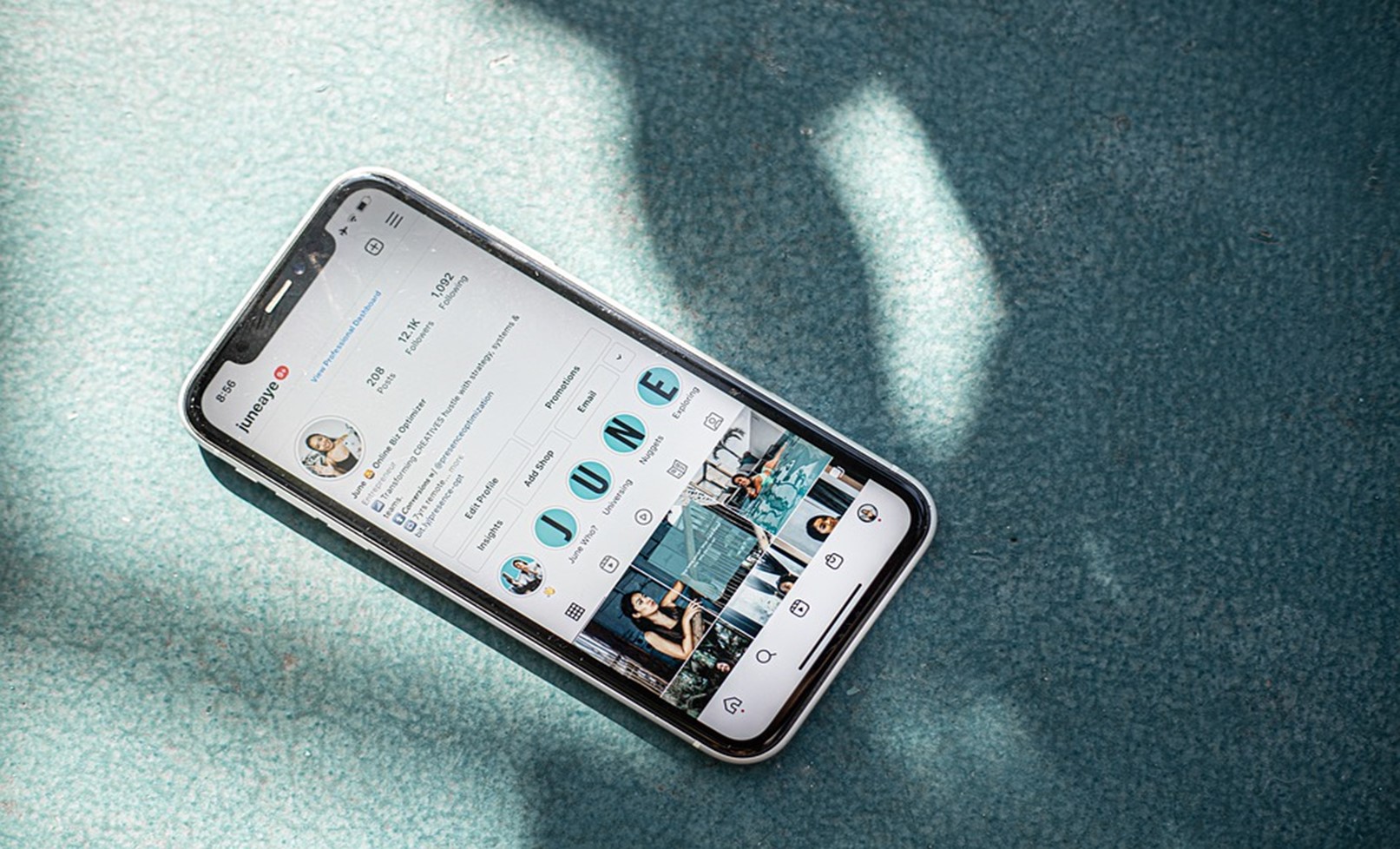
For brands, the link in an Instagram bio has been a hidden traffic driver for some time.
Thanks to recent changes to Instagram Stories, the bio link is much easier to find and click. Still, it needs some optimization to work better as a shopping link:
– Create a single link for your bio with tools like Linktree, or one on your own website, that takes shoppers to specific product pages.
3. Shoppable posts and Stories
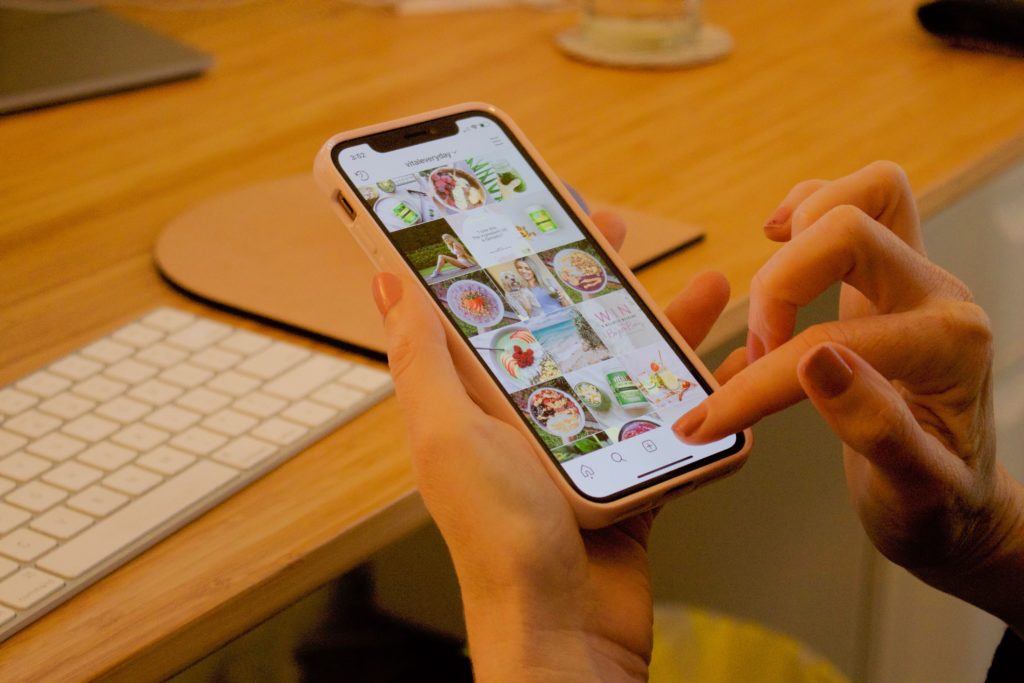
Instagram Shopping is a visual shopping experience that lets businesses on Instagram tag products, pages and collections in their posts.
When a product tag, or “shoppable tag,” or a shoppable collection shows up in a user’s Instagram feed, it tells them they can tap the photo or swipe up to visit an Instagram Shopping product page.
This option gives businesses of all sizes more ways to drive product discovery and inspire purchases right from the app.
4. Reels Shopping
This feature lets businesses cut out the middleman and showcase their products as Instagram Reels content.
Users can tap the “View products” button if they want to buy a product through shopping links. They can also save items by tapping “Save,” or learn more about a specific item by tapping “Learn more.”
5. Live Shopping
Another important feature that lets brands sell while they go live.
Once you start an Instagram Live, users can tap the thumbnail of a product you’ve selected from your Facebook catalog to learn more about it and buy it.
At the end of the live stream, they’ll get a notification confirming they bought the featured item.
As you can see, connecting your online store to Instagram isn’t hard, and doing it could give your sales a big boost.
Of course, rolling out any social media strategy is just the first step. You need consistency to succeed, and luckily, Instagram gives you plenty of features to skyrocket your conversions without leaving the platform.